


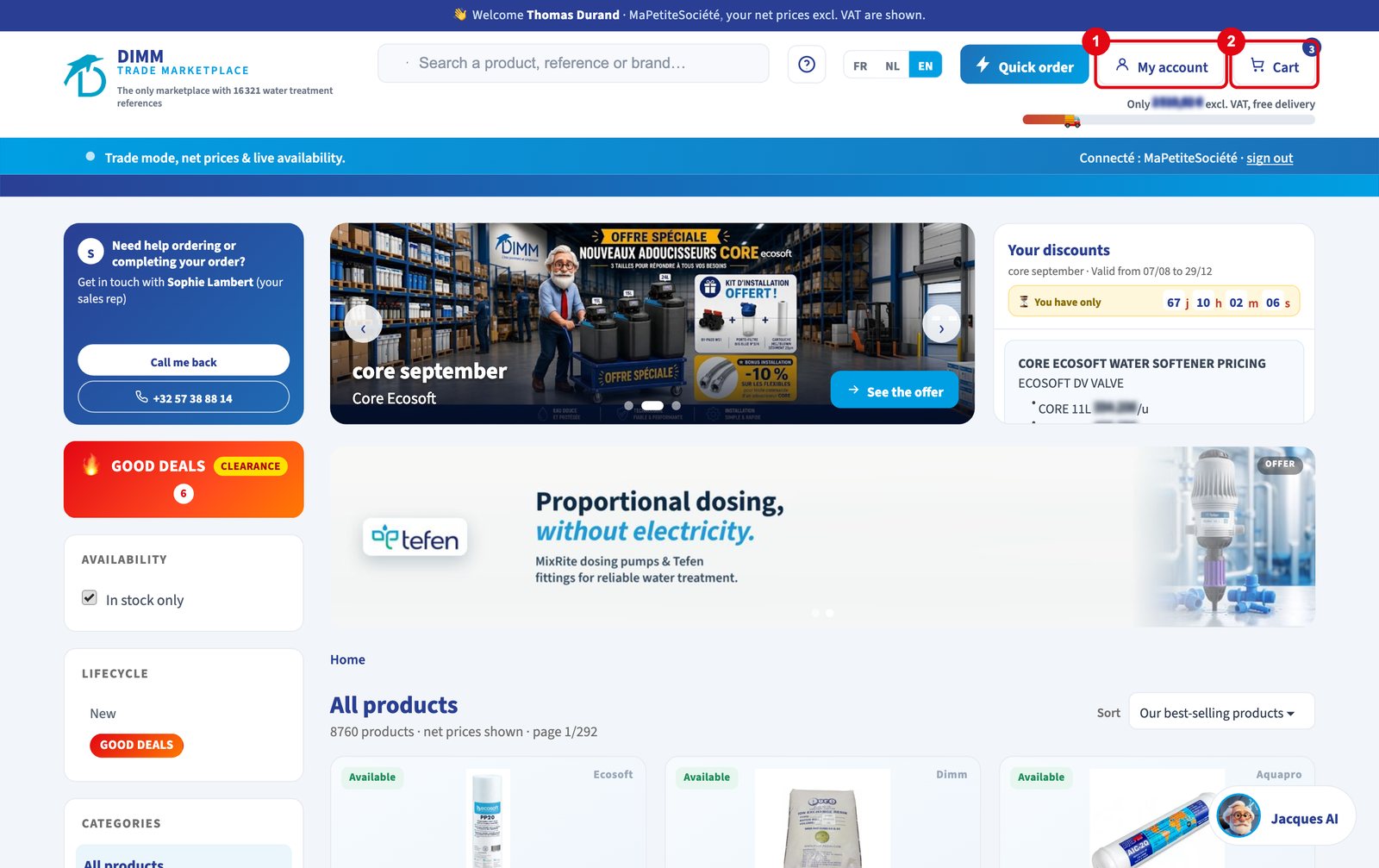
A question about the MarketPlace? The answer is probably already written. The help centre explains each function step by step, with numbered screenshots, in the language of your choice.
Where to find it
- the ? button at the top of every MarketPlace page;
- the Help centre link in the footer, in the sign-in window and in My account;
- directly at dimm.be/marketplace/aide (in Dutch: /nl/hulp, in English: /en/help).
What it contains
The guides are split into five sections: Start (open an account, first sign-in, forgotten password, install the app), Find your products (search, read a sheet, favourites and alerts), Order (order step by step, quick order, quotes, payment methods, delivery and free shipping, subscriptions), Track (track an order, find orders, quotes and invoices) and My account (addresses, team members, call-back).
Built to be quick
Each guide gives the steps in order, a screenshot where every button mentioned is numbered, and a practical tip. A search field at the top of the page finds the right guide in a few letters. The screenshots enlarge in one click.
And if the answer is not there?
At the bottom of every page, the numbers of our teams in Belgium and France. From the MarketPlace, you can also ask to be called back by your sales rep.
The DIMM tip
Welcoming a new team member? Send them the help centre link with their credentials: in ten minutes of reading, they can order on their own.
MarketPlace Pro DIMM
Open the help centre of the MarketPlace Pro. Find the whole series in The DIMM MarketPlace in focus